Add a card
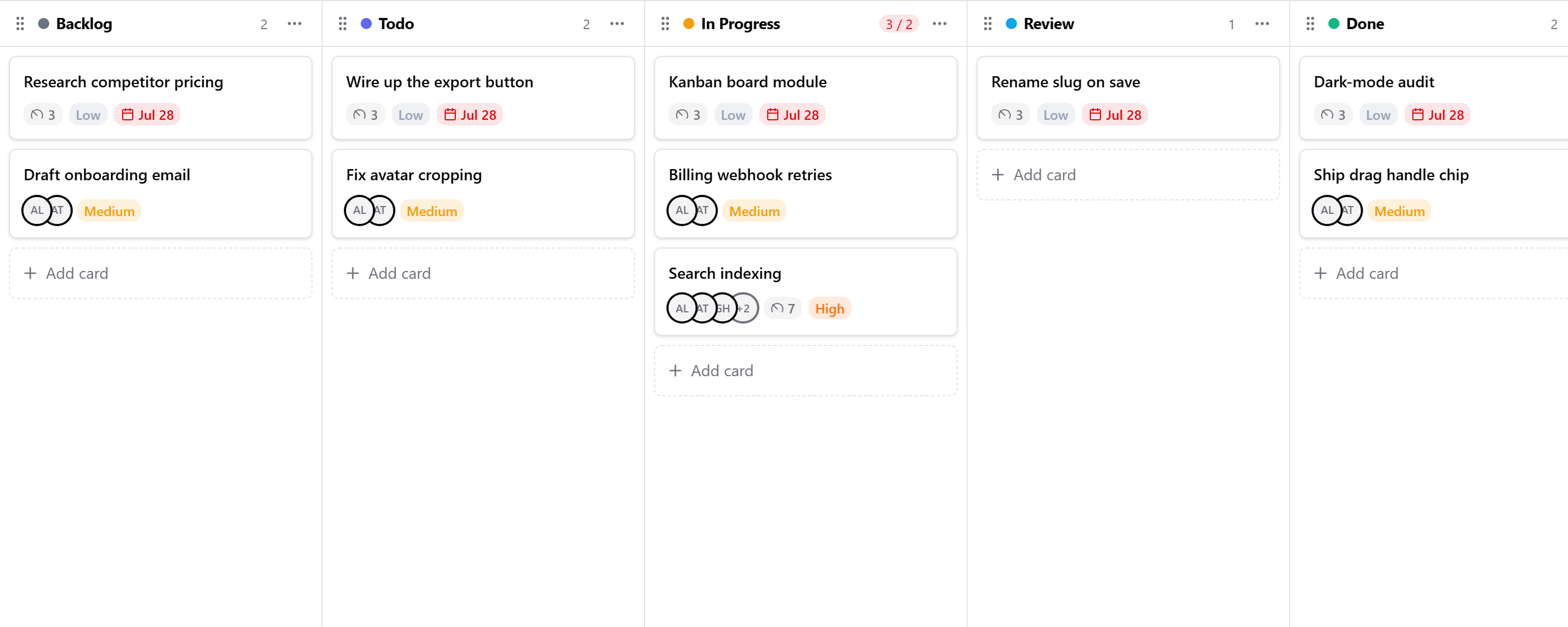
- Click Add card on the column the task belongs in.
- Enter a Title. It's the only required field.
- Fill in what you know:
- Assignees and Reviewers: one or more people from your organization.
- Due date, Priority (Low, Medium, High or Critical) and an Estimate.
- Description: type
/for headings, lists, quotes and more.
- Click Create.
Assignees and reviewers appear as avatars on the card. Each person you add as an assignee is notified in the app, and by email if they've chosen to be.
Add a checklist
In the description, type / and choose Check List, then add one item per line. The card shows a progress bar as items are ticked off.
Next: Update a card