Connect a sign-in provider
Sign in with an outside account, such as Google or GitHub, as well as your password. The providers you see are the ones your organization offers; if there are none, this section doesn't apply.
- Click your avatar at the top right, open the Account tab, and choose Account & Security.
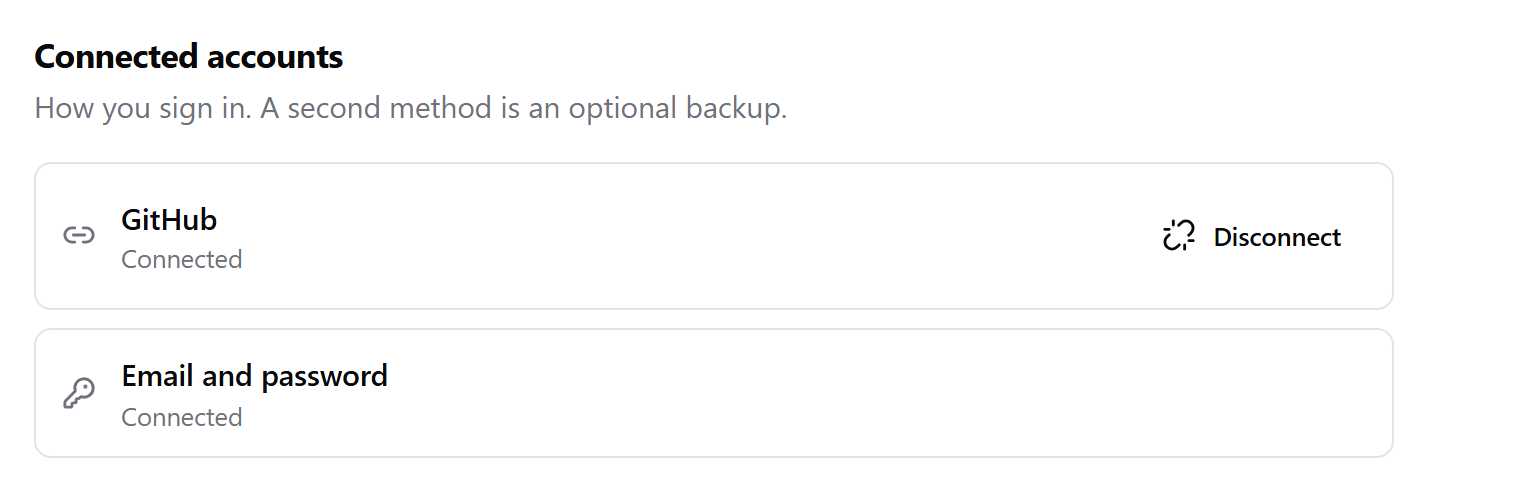
- Under Connected accounts, click Connect next to the provider.
- Approve the request on the provider's page. You come back to Monark with the provider marked Connected.
Disconnect a provider
Click Disconnect next to it and confirm. You can reconnect it any time.
You can't disconnect your only way to sign in; it's labelled Your only way in. Set a password or connect another provider first.
Next: Sign out other devices