Create a record
- Open the model and click New followed by the model's name (for example New Project). On a phone, tap the + button.
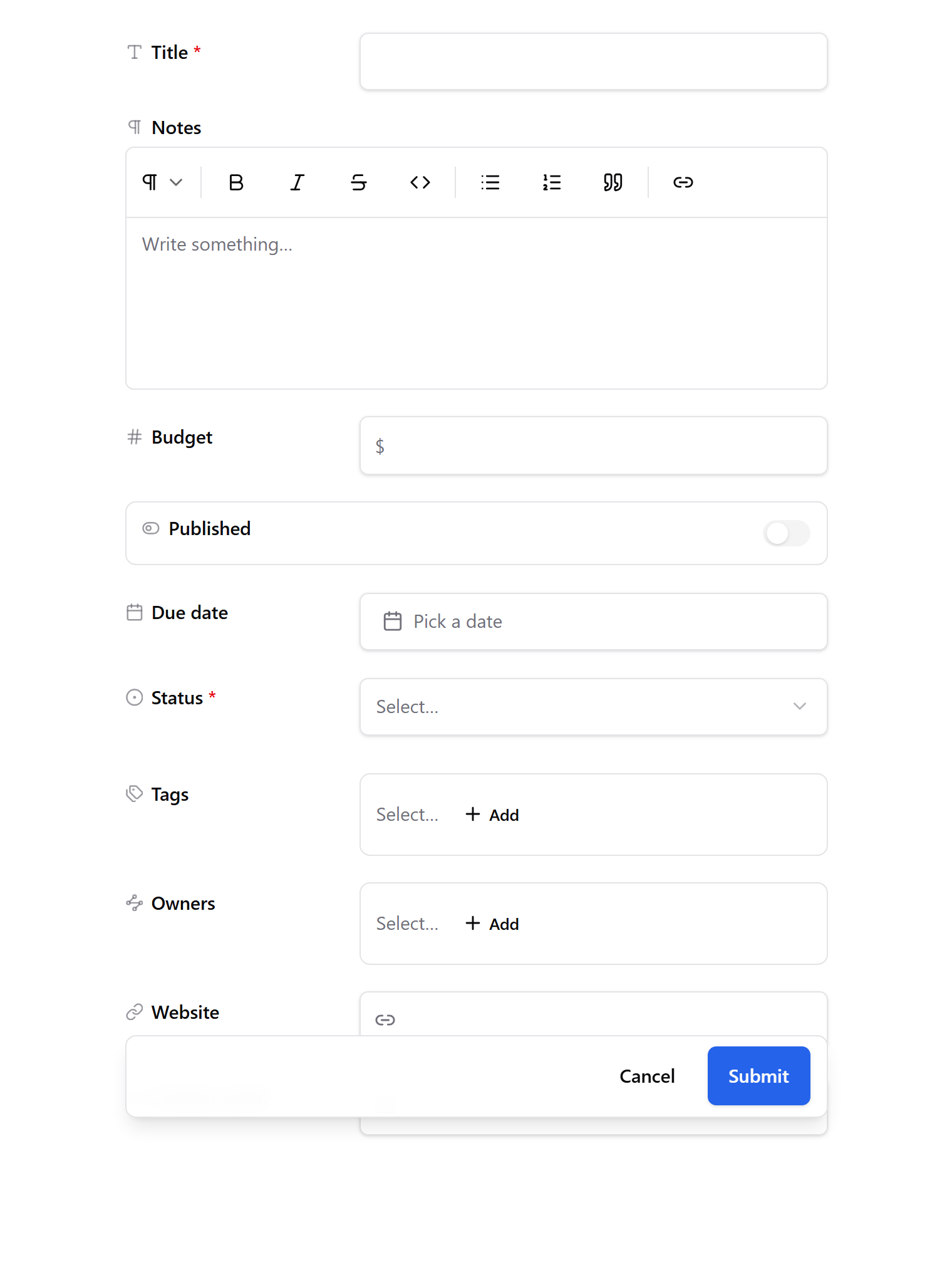
- Fill in the form. Each field has an input suited to its type: a date picker for dates, a list for choices, a search box for links to other records, an upload area for files.
- Click Save.
The title is the only field that's always required. Formula fields are filled in for you, calculated from the record's other fields.
Next: Edit or delete a record